Before
the chaos most solopreneurs live in
❌ Client info scattered across email threads, notes apps, and memory
❌ No financial visibility. You roughly know what came in, but not what you made
❌ Content planned in your head, or in a notes app you open twice a year
❌ Project tracking doesn't exist - you remember what needs doing until you don't
❌ Every Monday starts from scratch, and figuring out what to focus on costs you an hour
❌ Pipeline lives in your head, so you miss follow-ups, lose leads, and forget conversations
❌ You paste the same context into ChatGPT or Claude every time because it never remembers who you are
After
what the SOLOPRENEUR OS gives you
✔️ One place for every client. Contact details, projects, invoices, notes - all linked
✔️ Financial clarity. Income, expenses, outstanding invoices, and totals at a glance
✔️ Content pipeline that runs from idea to published, every platform, fully tracked
✔️ Projects with clear milestones - what's due, what's in progress, what's blocked
✔️ A daily dashboard. Open it Monday morning and know what matters this week
✔️ Pipeline that follows you up - every lead, proposal, and conversation tracked
✔️ An AI that knows your business. Connect Claude to the OS, fill in your Context Page once, and every session starts with full context already loaded.
Format
Notion template
Delivery
Instant - duplicate link
Notion plan
Works with free plan
Setup time
Under 1 hour + AI setup
MADE FOR THE PERSON RUNNING EVERYTHING ALONE
FREELANCERS & INDEPENDENT CONSULTANTS
You have multiple clients, multiple projects, and no system for keeping track of them all. You are constantly recreating context you should already have.
SOLO FOUNDERS & EARLY-STAGE BUSINESS OWNERS
You are building something, but everything lives in your head and your inbox. You need the operational backbone of a real business to do your actual job.
CONSULTANTS GOING SOLO FOR THE FIRST TIME
You are transitioning from employment to self-employment and need to build your business operations properly from day one - not patch it together later
Not for you if:
Have a team of 5+ people
Need advanced automation or integrated accounting software
You don't use Notion and have no interest in learning it.
You need a CRM with proper email integration
ONE COMPLETE SYSTEM THAT'S SUPER EASY TO USE
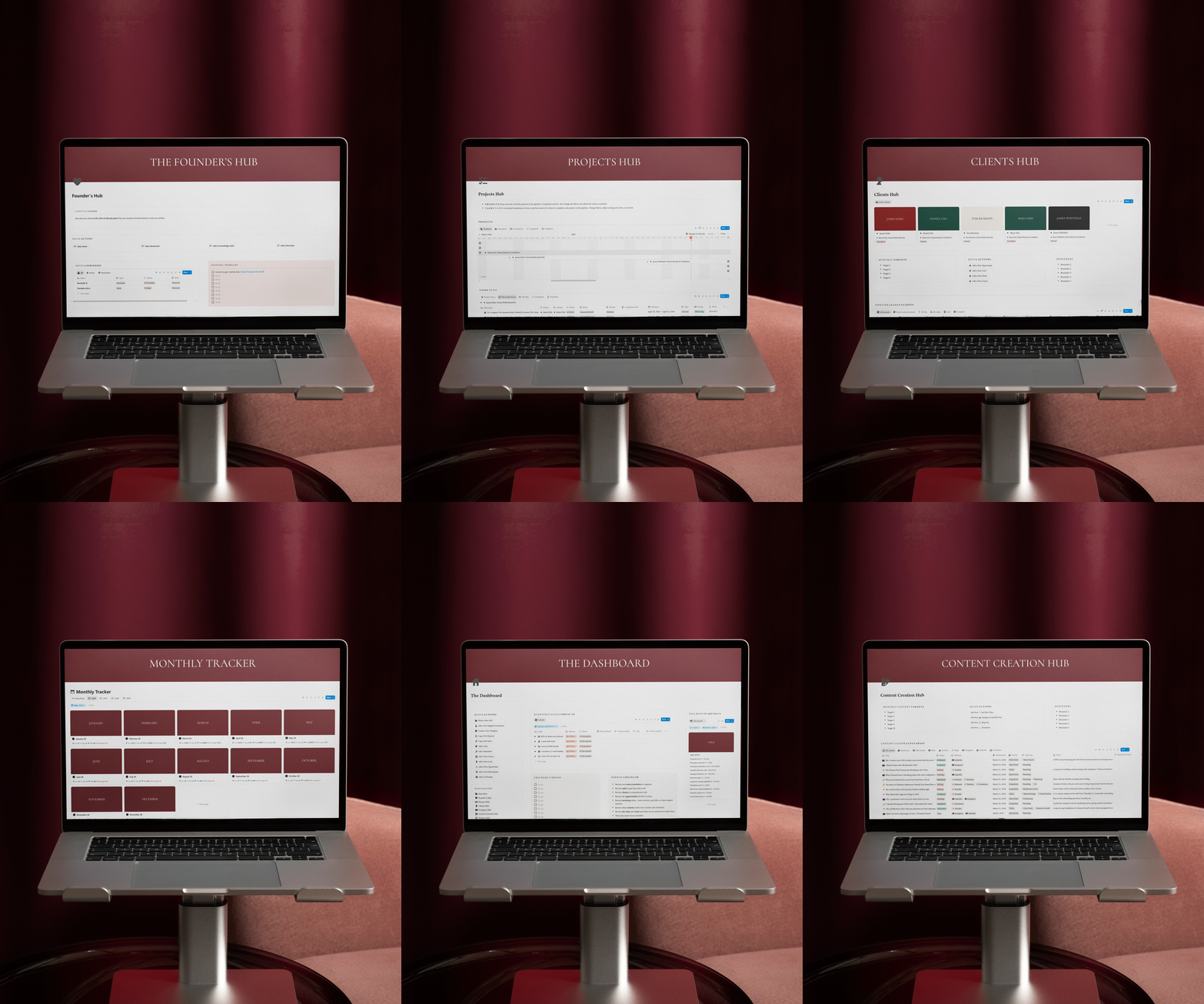
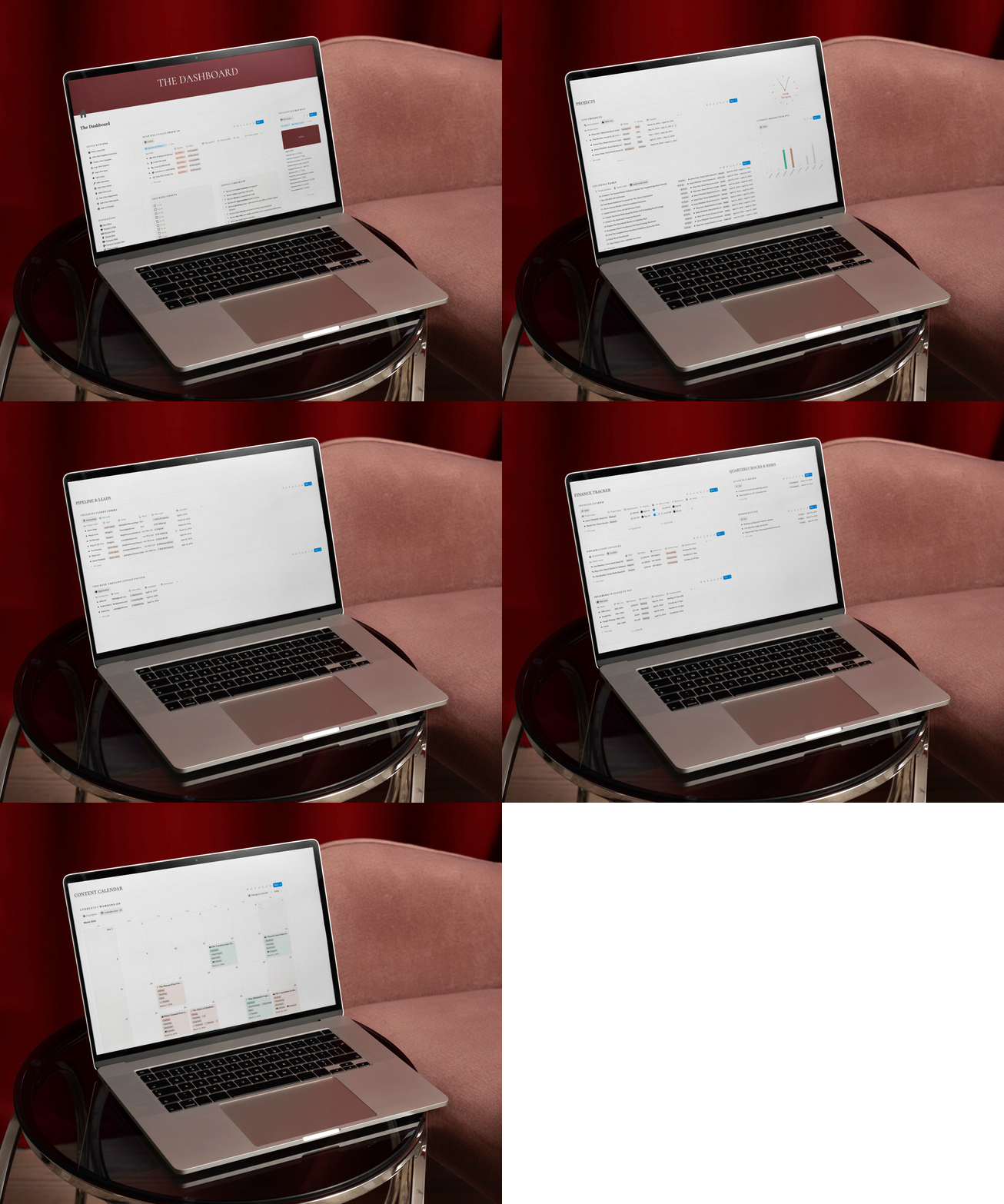
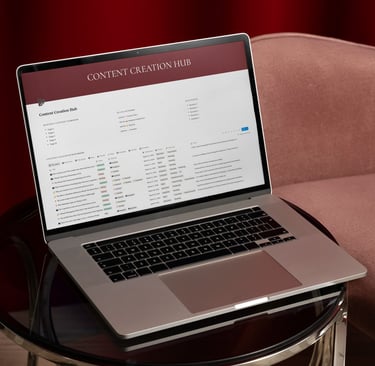
THE DASHBOARD
Your home base. Active projects, this week's tasks, upcoming client comms, outstanding invoices, and quarterly goals - all visible the moment you open it. The Monday Ritual Checklist walks you through the 15-minute weekly review that makes everything else work.
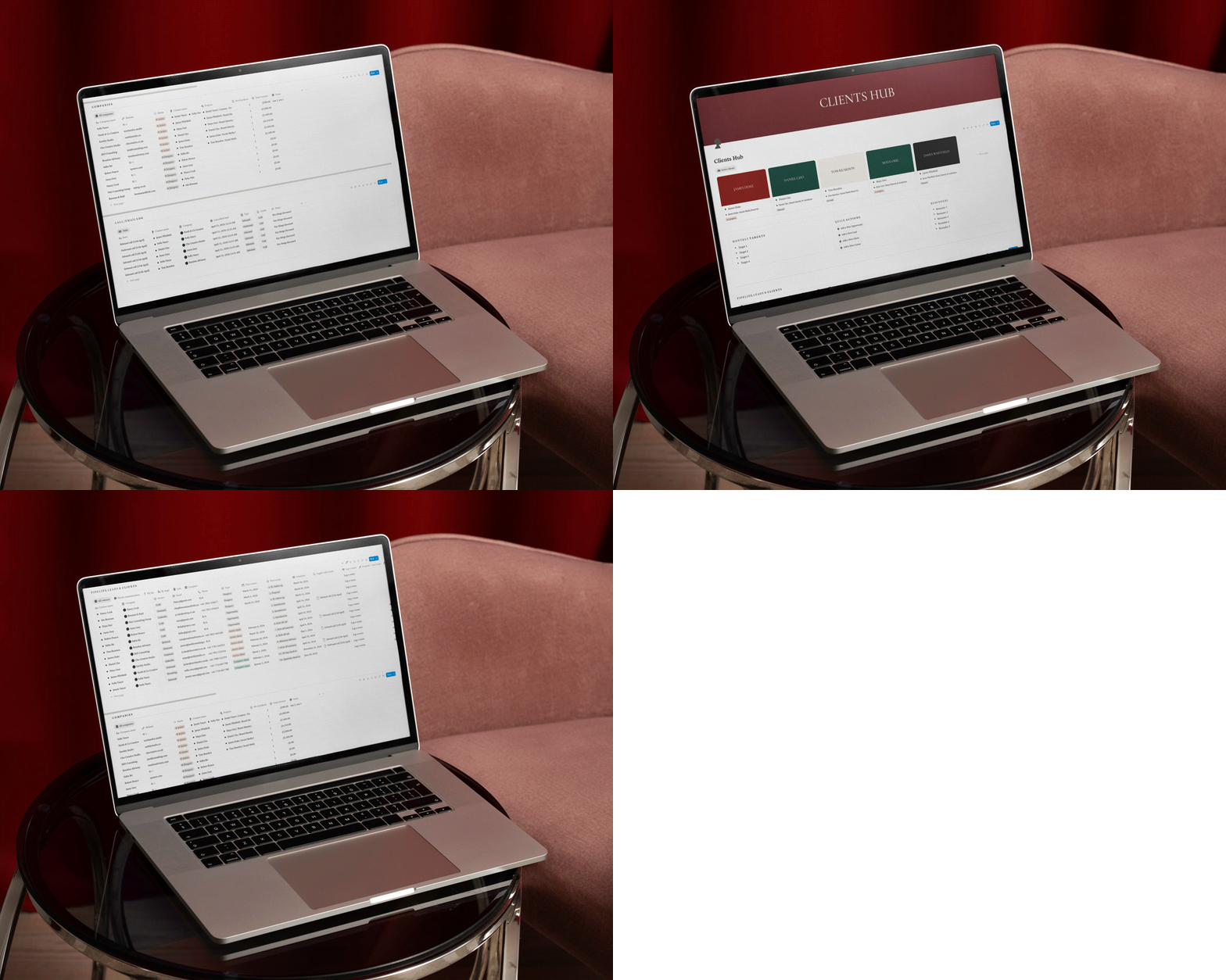
CLIENTS HUB
Every lead, prospect, and client in one place, with everything linked. Contact details, projects, invoices, call logs, and a 16-step communication sequence tracking the full journey from first conversation to quarterly check-in.
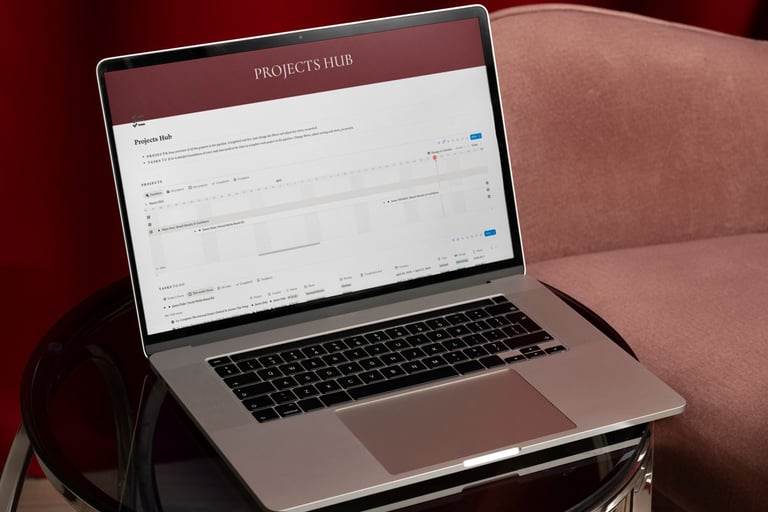
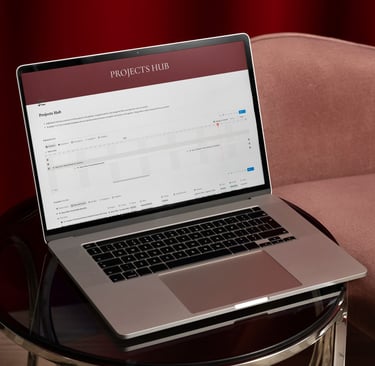
PROJECTS HUB
Projects broken into tasks with timelines, statuses, and energy ratings. Linked to the Clients Hub so data flows automatically. Includes a project template with a debrief table and profitability review, so every closed project makes the next proposal smarter.
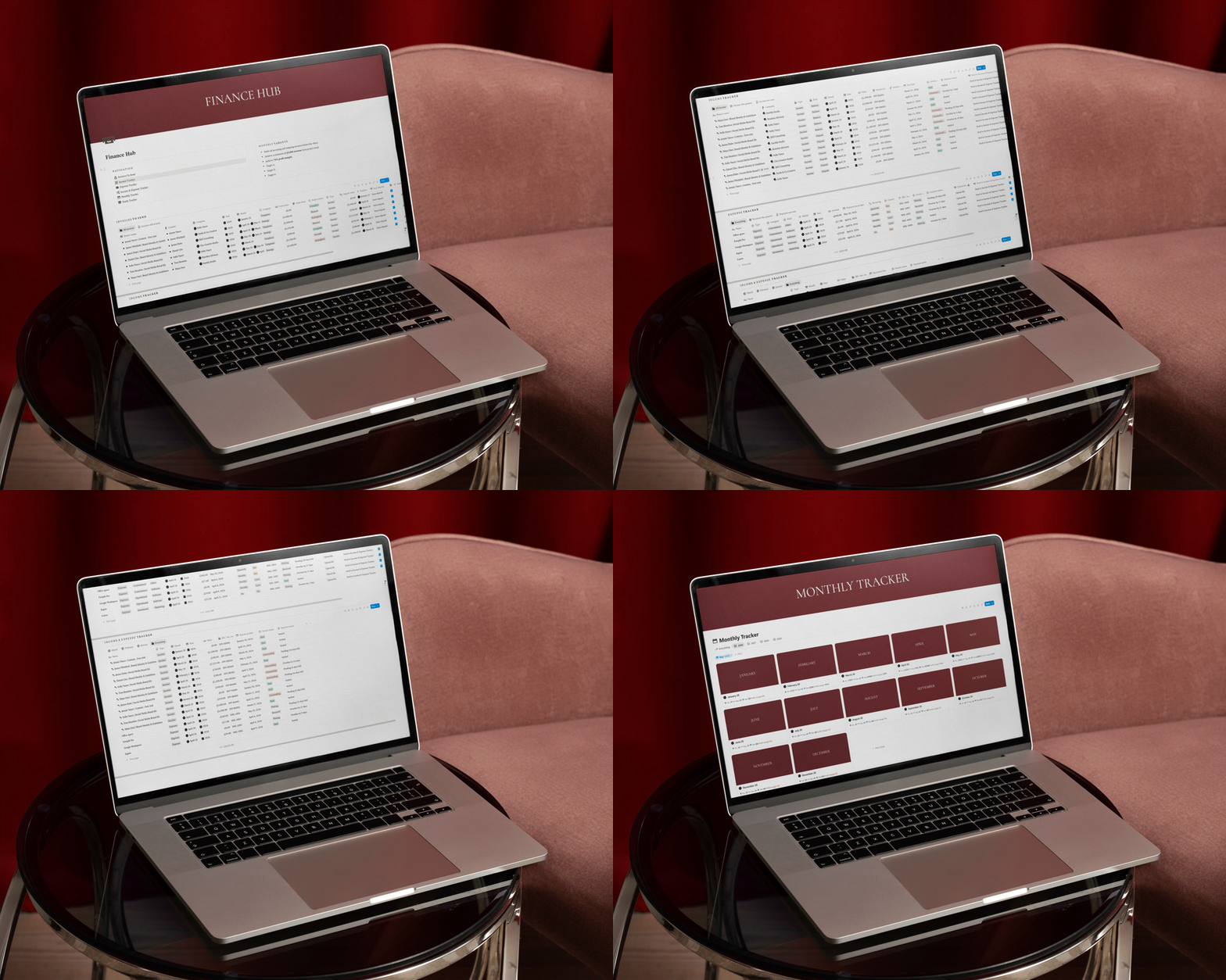
FINANCE HUB
Income, expenses, invoices, and outstanding payments tracked and connected. Invoice in two stages from inside the project record. Payment status updates automatically. Monthly and yearly trackers populate without manual input.
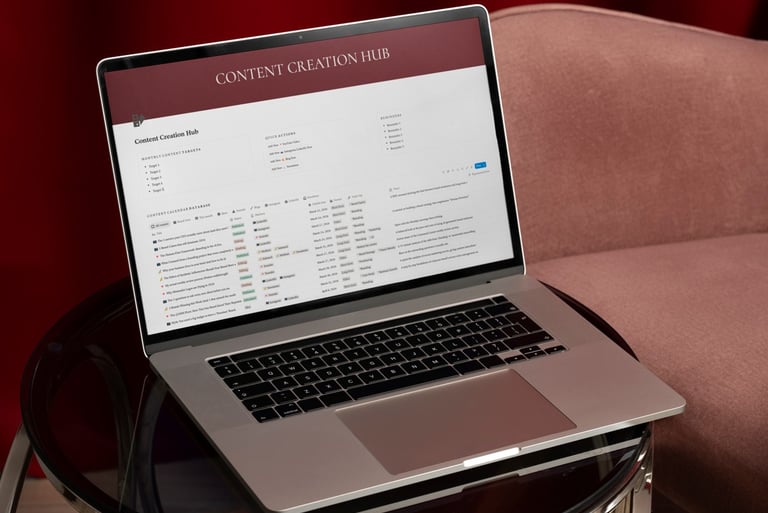
CONTENT & VISIBILITY HUB
For LinkedIn and newsletter. Ideas bank, content calendar, and production pipeline in one system. Capture ideas, plan publish dates, and track everything from Idea to Published. No scrambling at the last minute.
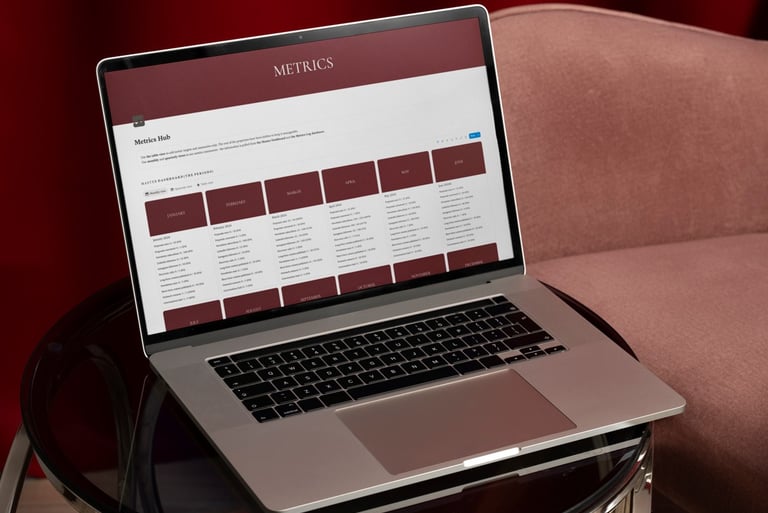
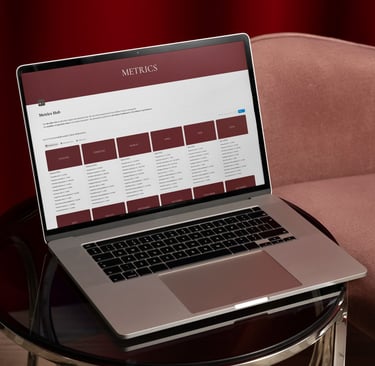
METRICS HUB
Track what actually matters: LinkedIn followers, newsletter subscribers, discovery calls, proposals sent, proposals converted. Monthly and quarterly progress cards show actuals vs. targets at a glance.
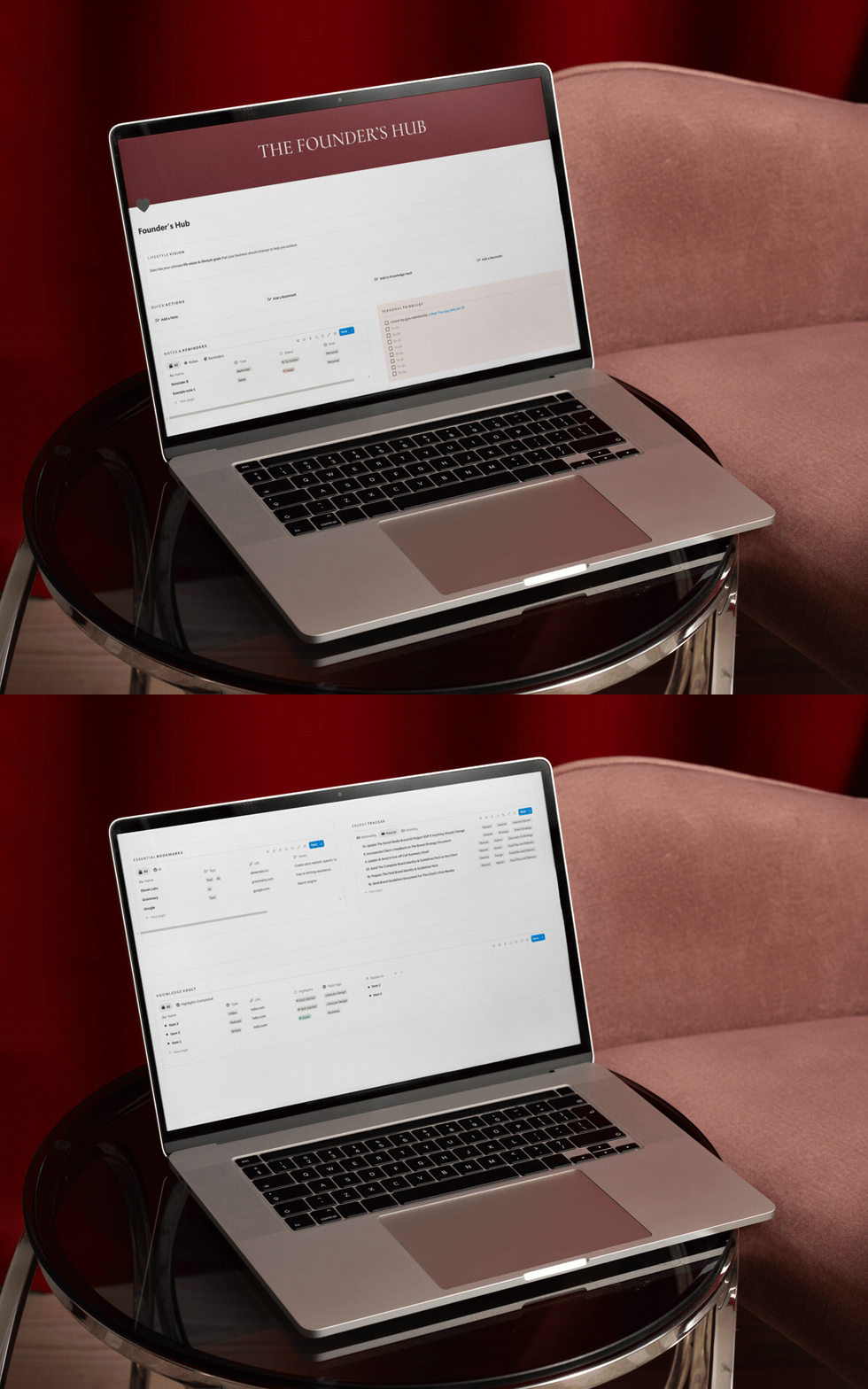
YOUR CORNER
The space for the person running the business, not just the business itself. Lifestyle Vision, Working Boundaries, Energy Tracker, Knowledge Vault, Decisions Log, Skill Map, Achievements Tracker, and more. Stay grounded on where this is going.
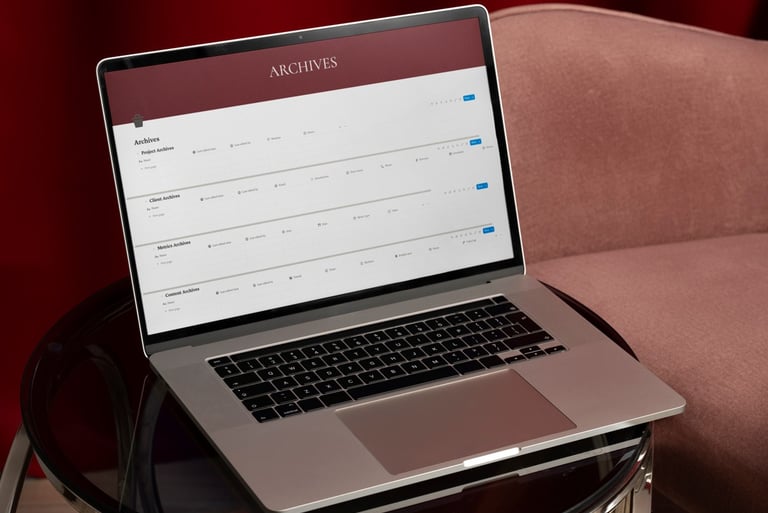
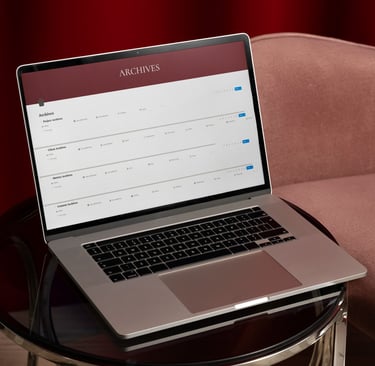
ARCHIVES
Move completed projects, past clients, old content, or historical metrics here when they are done. Active workspaces stay clean. Nothing gets deleted.
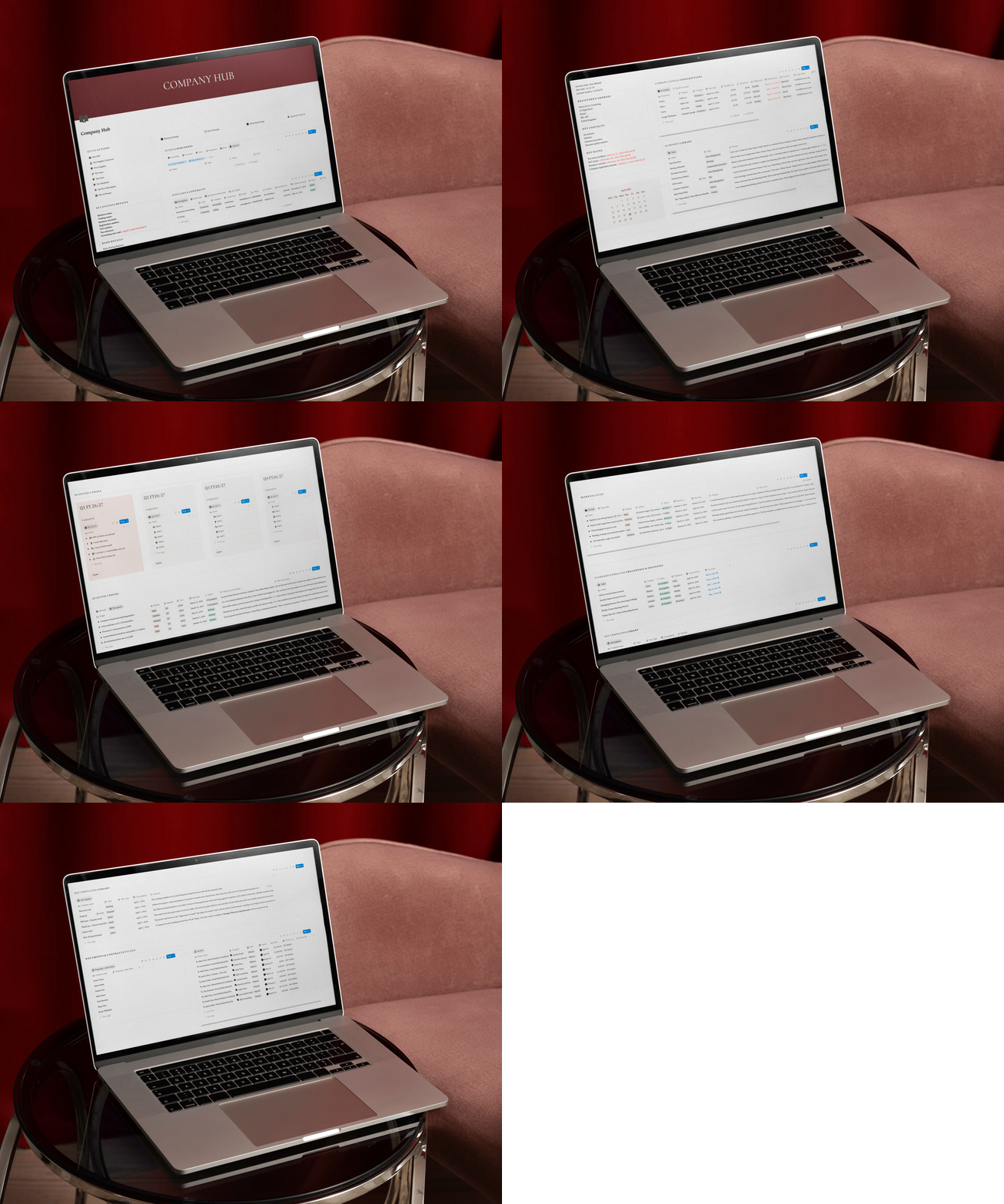
COMPANY HUB
Strategy, SOPs, templates, AI Prompt Library (11 prompts included), Quarterly Rocks, Risk Register, and the Context Page - the document your AI reads to understand your business before every session.
The Solopreneur OS is built to work with Claude through a direct Notion connection. Once set up, Claude can read your workspace, create records, update databases, and take action - all from a conversation.
The OS includes a full AI Set Up guide, a step-by-step Claude integration walkthrough, 11 pre-built prompts for the most common consulting tasks, a Naming Conventions reference card, and an AI Communication Guide - how to ask Claude for things so it gets it right the first time.
The AI layer is built into the structure of the OS from the ground up.
UP AND RUNNING IN UNDER AN HOUR
2 MINUTES
Purchase & duplicate
After payment, you receive an email with your template link. Click it, hit Duplicate in Notion, and the entire workspace copies into your account with sample data included.
30 MINUTES
Set up the basics
Work through the Start Here guide. Delete sample data. Fill in your Key Business Details. The guide tells you exactly what to do and in what order.
Set up Claude (optional)
The AI Set-Up guide walks you through connecting Claude to your Notion workspace, filling in your Context Page, and creating a Claude Project for your business.
MONDAY MORNING
Open & use it
Add your week's priorities, check your pipeline, review your tasks. From here, the OS runs on a weekly rhythm. The Monday Ritual Checklist is already there to walk you through it.
30 MINUTES
STOP HOLDING YOUR BUSINESS IN YOUR HEAD
One workspace. Everything connected. An AI that knows who you are and how you work. Open it Monday morning and know exactly what you should focus on.
£57
One-time payment | Instant access | Free updates as the template improves
For custom Notion builds, send me a message.
***
Want a custom Notion build?
FREQUENTLY ASKED QUESTIONS
Do I need a paid Notion account?
No. Everything in this template works on Notion's free plan. If you have a paid plan, you will benefit from unlimited blocks and version history, but neither is required.
How do I actually get the template?
After purchase, you receive an email with a Notion template link. Click the link, hit Duplicate at the top right of Notion, and the entire workspace copies into your account. No downloads, no imports. It appears in your sidebar ready to use.
I've never used Notion before. Is this too advanced?
The template is designed to be usable without prior Notion experience. The Start Here guide and Basics section explain everything you need to know. If you have genuinely never opened Notion, spend 20 minutes with their beginner videos first - then this will make complete sense.
Can I customise it to fit my specific business?
Completely. Once you duplicate it, it's yours. Rename sections, add databases, remove things that don't apply, and change the topic tags to match your content themes. The structure is a starting point, not a constraint.
What if I get stuck or something isn't working?
Email me at hi@linamileskaite.com. Every purchase includes two weeks of setup support. If something isn't working as described, I will help you fix it. I'd rather you actually use this thing than abandon it because of one confusing database property.
I need something built specifically for my business. Is that possible?
Yes. If you need a workspace built for your team, workflow, and tools, send me a message. Custom Notion builds start from £900.
Do you offer refunds?
Because this is a digital product delivered instantly, I don't offer refunds. If something in the template isn't working as described after you've gone through the setup guide and reached out for support, I'll make it right - whether that means fixing the issue or providing additional guidance. If you're still not sure if this is for you, please email me before purchasing at hi@linamileskaite.com with your questions.
Do I need Claude specifically, or can I use ChatGPT?
The AI integration is built for Claude because it has a direct Notion connection (via MCP), allowing it to read and write to your workspace without any copy-pasting. ChatGPT doesn't currently have this. You can still use ChatGPT with this OS, because the prompt library and naming conventions work with any AI, but the direct integration only works with Claude.

© Copyright LINA MILESKAITE 2026
GET IN TOUCH